Quinceañera invitations
Mis quince años
Damas and chambelanes, the padrinos, the vals, the salón. Written in Spanish or English, with the whole court greeted by name.


Not a flyer in a group chat. A sealed envelope your guests break open on their phone, with the invitation playing inside.
Free to design. $9 to send.
Go on, break the seal.
Three made in the last month. Same builder, nothing in common.
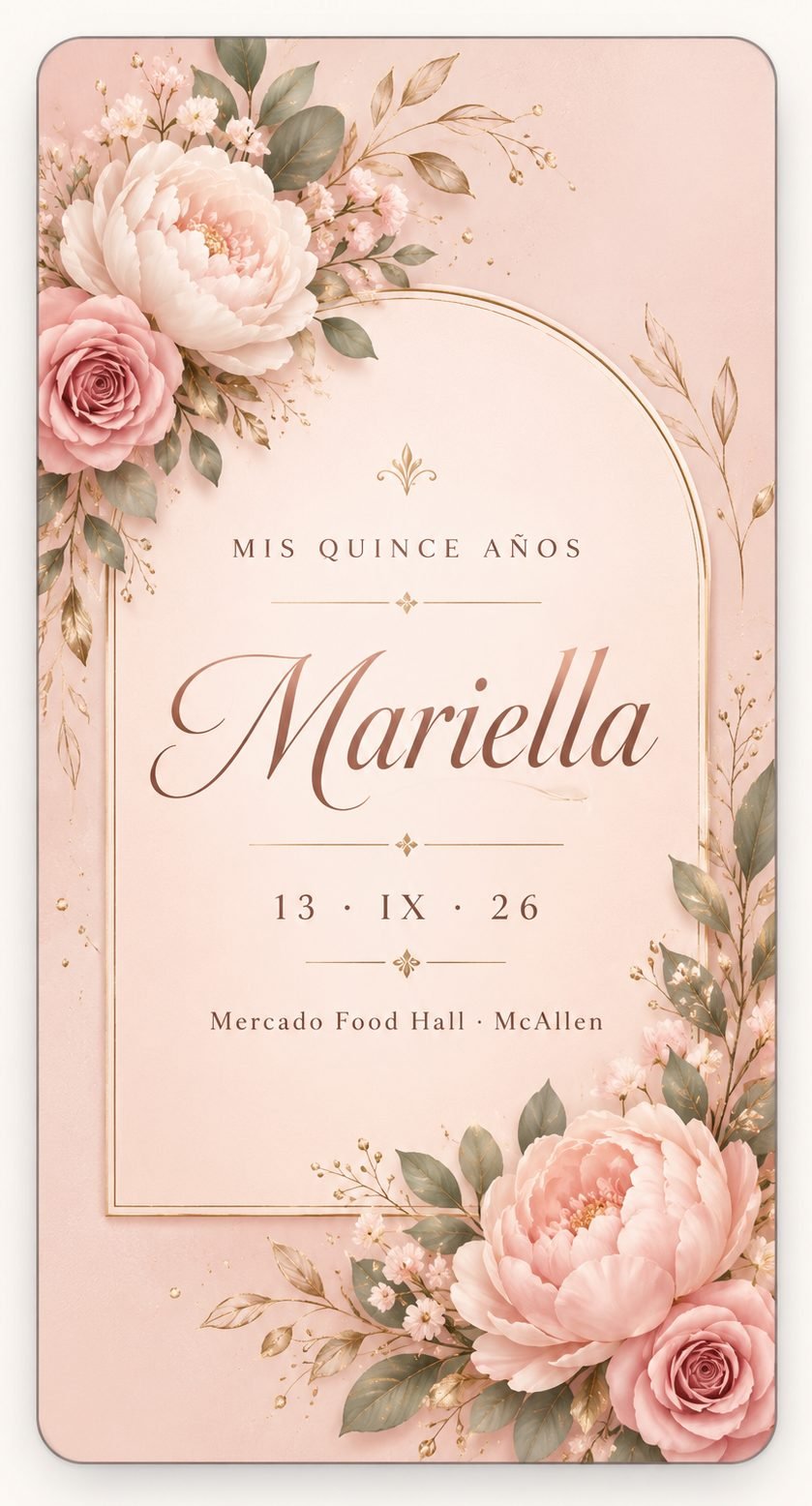
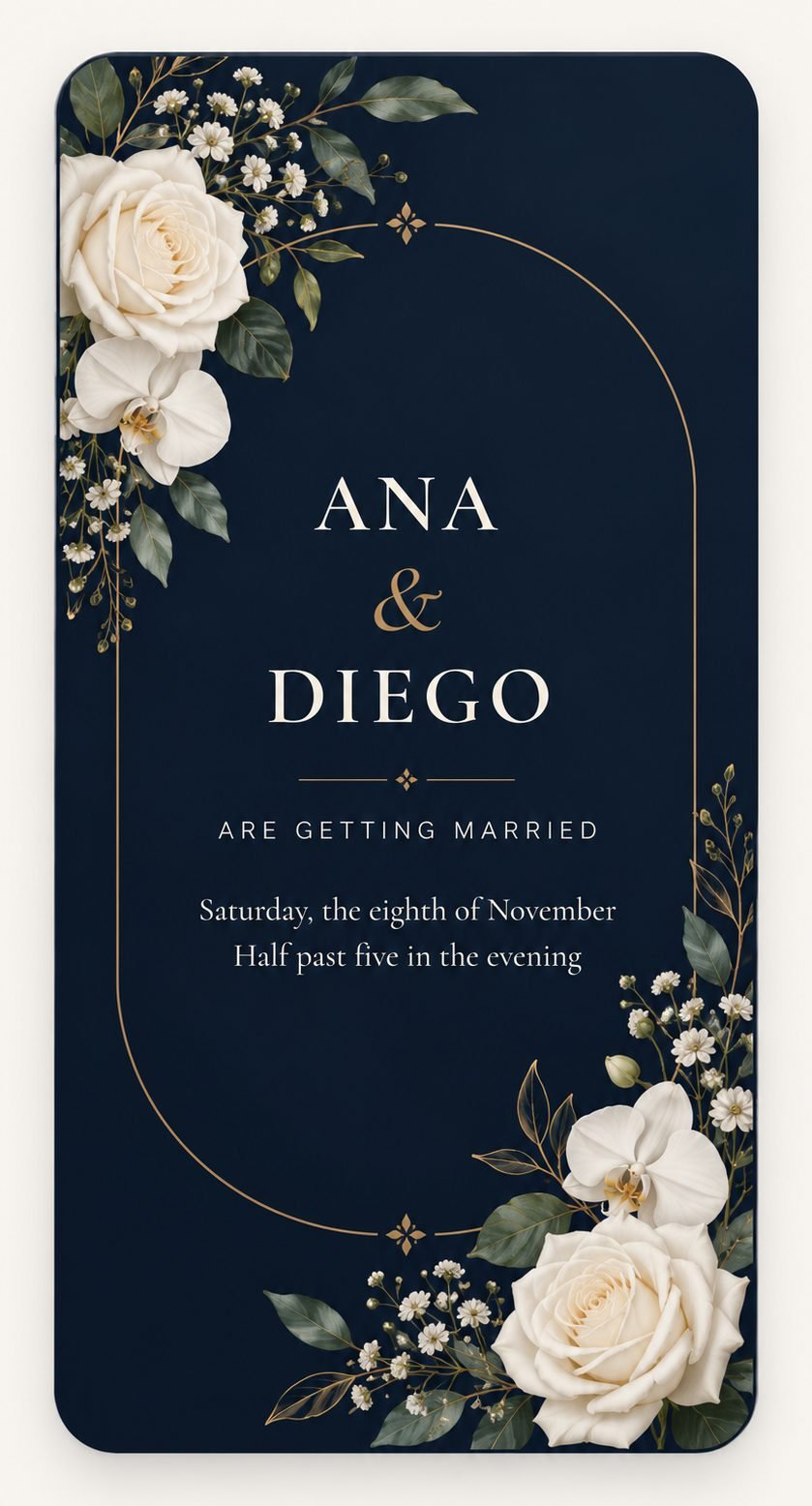
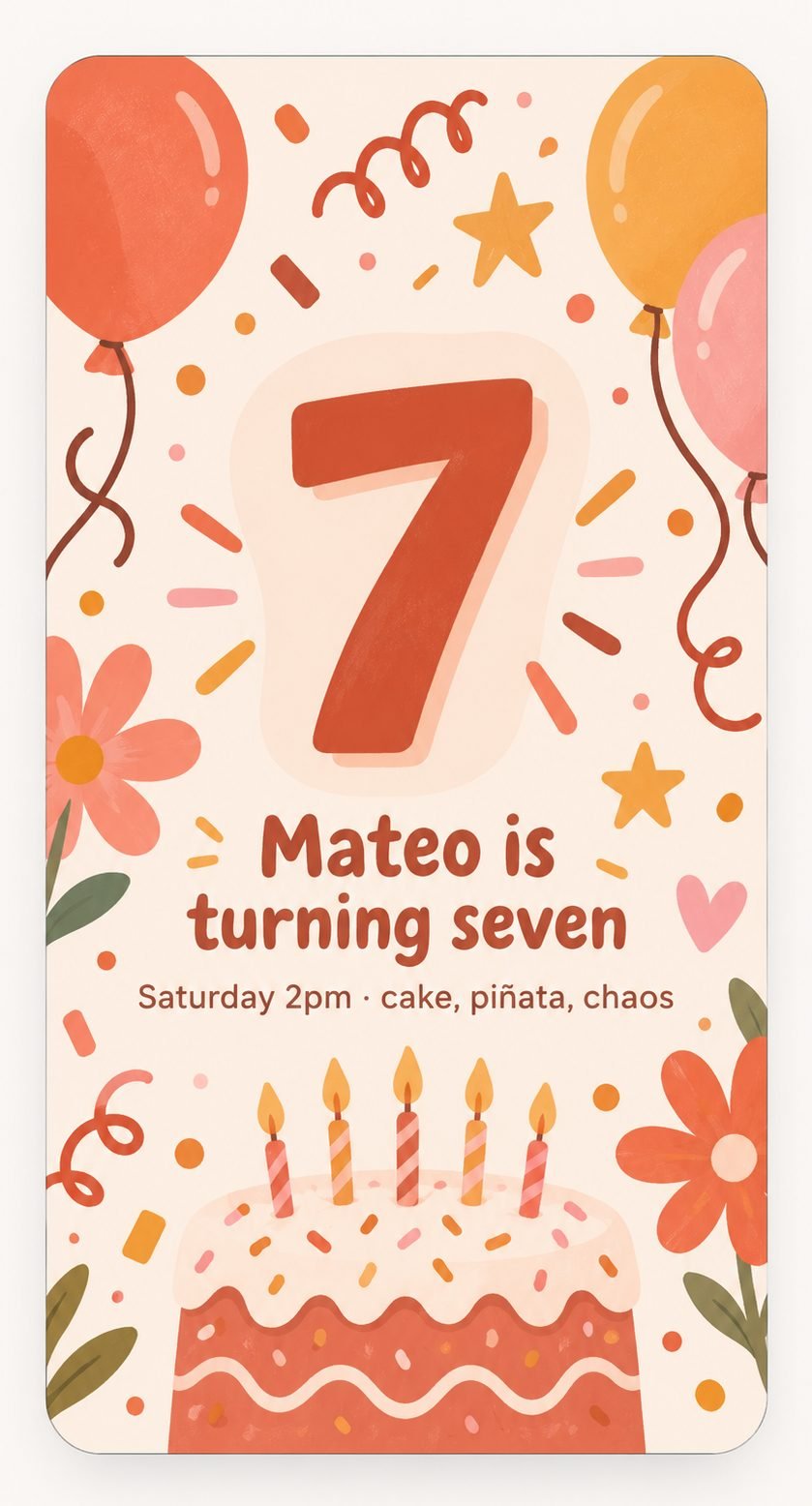
Every one of these started as the same six questions.
The occasion, who it is for, when, where, the language, the look. Leave anything blank and it stays out.
Wording, fonts, colours, slides and a closing screen — laid out for you, then yours to change.
Everyone gets their own link. Greeted by name, said goodbye to by name.
WhatsApp, Messages, a QR code or a video. Answers come back with names and headcounts attached.
In English and Spanish, because most guest lists need both — and anywhere in the world, because a link does not care where it lands.
Mis quince años
Damas and chambelanes, the padrinos, the vals, the salón. Written in Spanish or English, with the whole court greeted by name.
Bodas
Ceremony and reception, dress code, hotel block, registry. One link per household, and the replies come back with headcounts.
Cumpleaños
From a seventh birthday with a piñata to a fiftieth with a band. A countdown to the day and a money-tree button if you want one.
Bautizo y primera comunión
The church, the time, the padrinos, and the comida afterwards — laid out so nobody has to ask twice.
Graduaciones
The ceremony, the tickets, the party after. Easy to send to a long list of family at once.
Maria opens hers and taps RSVP:
Count me in! (Maria Lopez, 4 of us)
Already written. She presses send.
Paste your guest list and every person gets their own link. They are greeted by name, and the closing slide says goodbye by name.
The part that saves you a week: their reply arrives with their name and how many are coming, so you are not chasing anyone for numbers.
Send the plain link to anyone you have not listed and it works normally, with no gaps where a name would go.
It opens in the browser already on their phone. That is why it reaches the whole guest list and not just the half who keep up with things.


Every part of it can be changed, and nothing is locked away.
Choose the paper, the wax colour and the embossing. Put your initials on the seal, or your own logo.
Text, photos, shapes, frames. Resize with the corners, restyle in the panel, undo if you change your mind.
Days, hours and minutes to the moment. It follows your event date, so changing the date changes everything.
Add a track and drag to the part you want. It loops that section, not the whole song.
Pick one and the whole invitation is written in it, down to the buttons your guests tap.
Describe the look and one is made for you, or choose from designs that are ready to go.
Design it for nothing. Pay when you are ready to send it, and only for the invitation you are sending.
Free
Design and preview
$9 one-time
Live for 3 months
$19 one-time
Live for 12 months
$39 one-time
Live for 24 months
When the time runs out the guest link stops working. Your invitation stays in your account and you can put it back up whenever you like. See full pricing
Designing one is free. Sending it starts at $9 for three months online, $19 for a year with an RSVP dashboard, or $39 for two years with a video version and a QR code for every guest. You pay once per invitation — there is no subscription.
No. The invitation opens in whatever browser is already on their phone. Nobody installs anything and nobody makes an account, which is why it reaches the whole guest list and not just the half who keep up with technology.
Yes. Pick English or Spanish and the whole invitation is written in it, down to the buttons your guests tap. You can also send one invitation in each language to different people.
Each guest gets their own link. They are greeted by name, and their reply arrives with their name and how many are coming already filled in, so you are not chasing anyone for numbers.
Usually under a minute. You answer six questions — the occasion, who it is for, when, where, the language and the look — and the wording, fonts, colours and slides are written and laid out for you. Everything can be changed afterwards.
The guest link stops working, but the invitation stays in your account. You can put it back up whenever you like, and buying again adds to the time you have rather than restarting it.